Getting Started
How to Create Your First Framer Project
Creating a new project in Framer only takes a few minutes.
Beginner
2 min read

You will learn how to access the editor, understand the interface, add content, preview your website, and publish it online.
Step 1: Log Into Framer
Open Framer and sign into your account.
If you do not have an account yet, create one using your email address. Framer will send you a magic login link to complete the sign-in process.
After signing in for the first time, Framer automatically opens a new project for you. You will also see a template selection modal where you can:
Choose a starter template which will allow you to begin designing immediately without manually creating a project first.
Or close the modal and start from scratch
Step 2: Understand the Editor
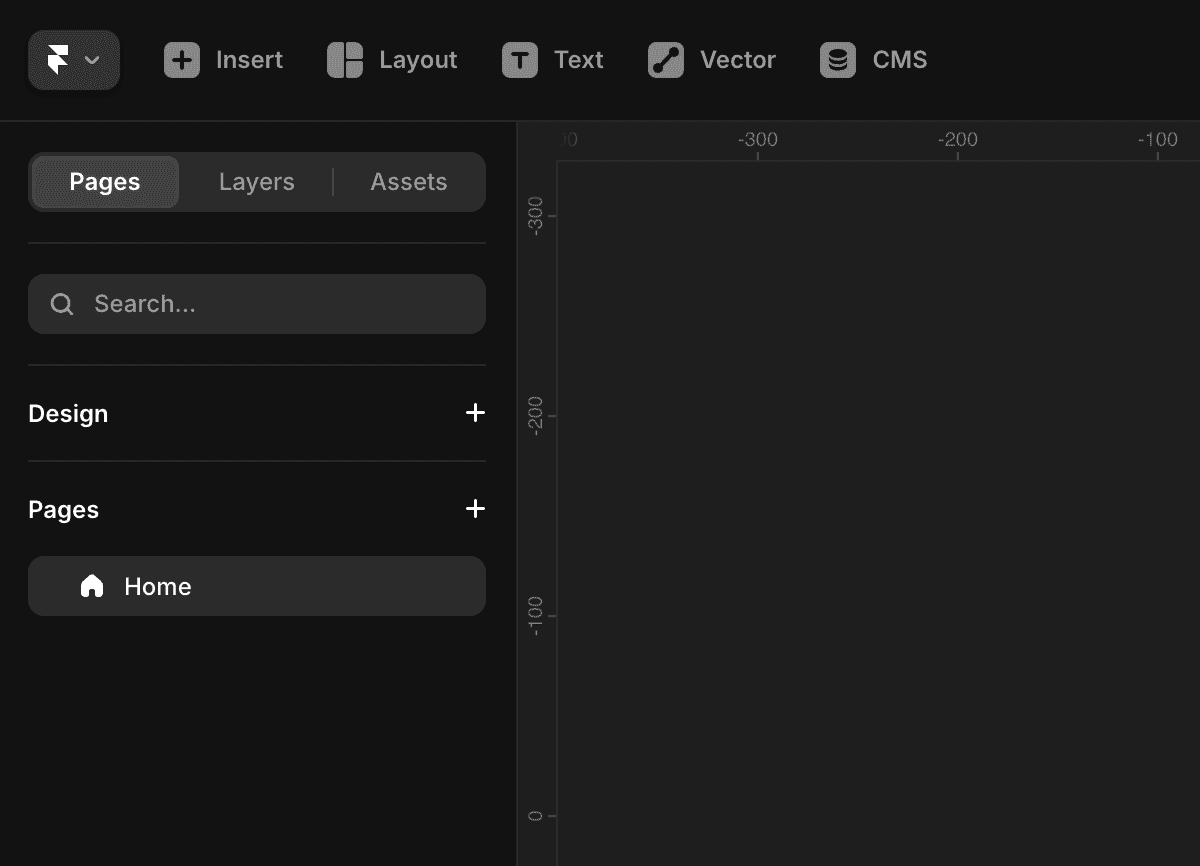
Your project includes several important areas:
Canvas — The main workspace where you design your website
Layers Panel — Organizes all elements and sections
Properties Panel — Controls styling, sizing, spacing, and settings
Toolbar — Provides quick access to design tools and actions
These tools help you design, organize, and manage your website efficiently.
Step 3: Add Content
Start building your page by adding elements such as:
Text
Images
Buttons
Sections
Use the top menu to place elements onto the canvas. You can then resize, style, and arrange them however you want.
Step 4: Preview Your Website
Click Preview to test your website before publishing.
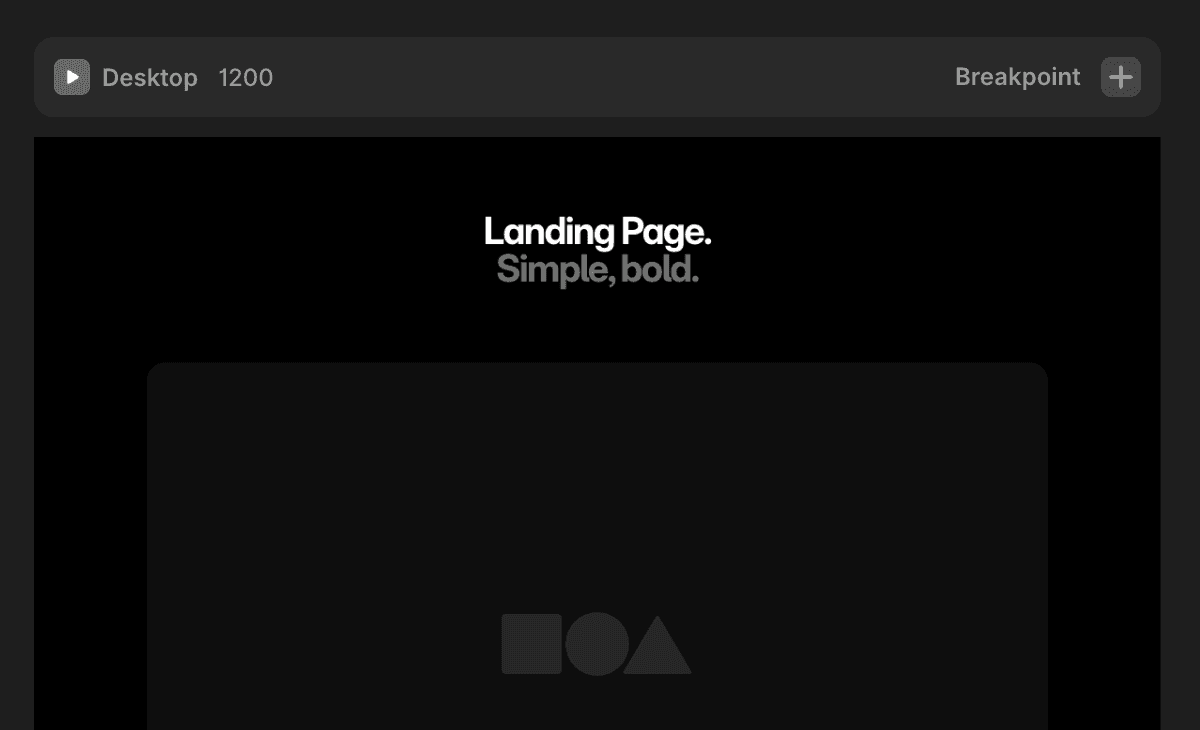
During preview mode, check:
Responsiveness
Navigation
Interactions
Animations
Mobile layouts
Testing early helps you identify layout and usability issues before publishing.
Step 5: Publish Your Website
When your website is ready:
Click Publish
Choose your domain
Confirm publishing
Your website will go live instantly using Framer hosting or your connected custom domain.
Beginner Tips
Start with templates if you are new to Framer
Keep layouts simple at first
Test mobile responsiveness early
Use consistent spacing and typography
Create reusable sections and components for faster workflows
As you become more comfortable with Framer, you can explore advanced features like animations, CMS collections, and custom components.
Frequently Asked Questions
Do I need coding experience to create a Framer project?
No. Framer is designed for designers, marketers, and creators. You can build complete websites using a visual editor without writing code, while still having the option to add custom code if needed.
Are projects automatically saved?
Yes. Framer auto-saves your work.
Can I edit my project after publishing?
Yes. Changes can be published anytime.
framerbaseio