Troubleshooting
Fixing Layout Issues
Resolve common layout problems in Framer to create cleaner, more responsive, and visually consistent websites.
Intermediate
5 min read
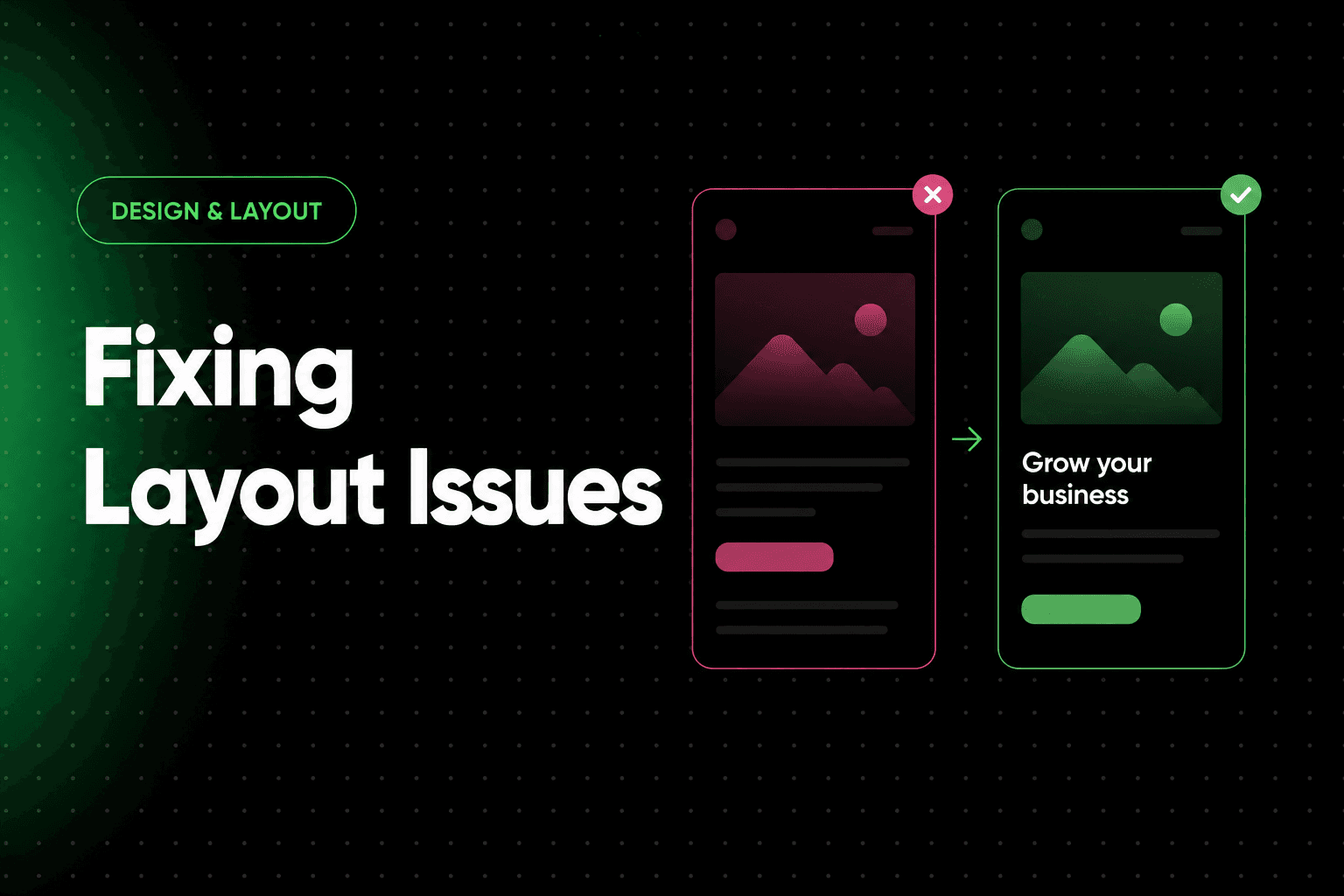
Layout issues are among the most common challenges when building websites. Elements may appear misaligned, spacing can become inconsistent, content may overflow containers, or sections may behave unexpectedly across different screen sizes.
Most layout problems are caused by incorrect sizing, positioning, spacing, or responsive settings. Fortunately, these issues can usually be fixed with a structured troubleshooting process.
This guide explains common layout problems and practical solutions for identifying and resolving them.
Why Layout Issues Happen
Layout problems often occur when:
Elements are positioned incorrectly
Containers are sized improperly
Responsive settings are misconfigured
Content grows beyond expected limits
Spacing becomes inconsistent
Understanding the root cause makes troubleshooting much easier.
Start With the Layer Structure
Before changing settings, review the overall structure of the page.
Check:
Parent containers
Nested frames
Sections
Components
Many layout issues originate from an incorrect hierarchy rather than the affected element itself.
Elements Not Aligning Properly
Misaligned elements can make a design feel unprofessional and difficult to maintain.
Common causes include:
Inconsistent alignment settings
Manual positioning
Mixed layout systems
Solutions
Use consistent alignment rules
Review parent containers
Check layout settings
Avoid unnecessary manual positioning
Consistent alignment creates cleaner and more predictable layouts.
Inconsistent Spacing
Uneven spacing is one of the most common design problems.
Examples include:
Different section padding
Irregular margins
Uneven gaps between elements
Solutions
Standardize spacing values
Create spacing systems
Review padding and margins
Use consistent layout patterns
Predictable spacing improves visual hierarchy.
Content Overflow
Content overflow occurs when text, images, or other elements extend beyond their containers.
Common causes include:
Fixed dimensions
Large content blocks
Responsive constraints
Solutions
Enable flexible sizing
Allow text wrapping
Increase container flexibility
Test with longer content
Always design for real-world content lengths.
Elements Overlapping
Overlapping layers can make content difficult to read or interact with.
Common causes include:
Absolute positioning
Negative spacing values
Responsive conflicts
Solutions
Reduce manual positioning
Review layer hierarchy
Use responsive layouts
Test across breakpoints
Elements should adapt naturally as screen sizes change.
Containers Not Resizing Correctly
Containers that fail to resize often create responsive issues.
Examples include:
Fixed-width frames
Rigid layouts
Incorrect sizing behavior
Solutions
Use flexible sizing settings
Review width constraints
Test different screen sizes
Allow content-driven resizing
Responsive containers are easier to maintain.
Problems With Nested Frames
Deeply nested layouts can become difficult to manage.
Common issues include:
Unexpected spacing
Alignment conflicts
Responsive inconsistencies
Solutions
Simplify hierarchy where possible
Remove unnecessary nesting
Review parent settings carefully
Simpler structures are often easier to troubleshoot.
Mobile Layout Problems
A layout that works perfectly on desktop may break on smaller screens.
Common issues include:
Oversized text
Crowded content
Hidden elements
Horizontal scrolling
Solutions
Review mobile breakpoints
Adjust spacing
Resize typography
Test on real devices
Mobile testing should be part of every design workflow.
Responsive Breakpoint Issues
Different breakpoints can introduce unexpected behavior.
Examples include:
Hidden content
Broken layouts
Misaligned sections
Solutions
Review each breakpoint individually
Compare desktop and mobile layouts
Test content variations
Never assume responsiveness will work automatically.
Image Layout Problems
Images can affect layout stability when not configured correctly.
Common issues include:
Distortion
Cropping problems
Inconsistent sizing
Solutions
Use consistent image dimensions
Optimize media assets
Review scaling behavior
Images should complement the layout rather than disrupt it.
Component-Related Layout Issues
Reusable components can sometimes create unexpected layout behavior.
Check:
Component constraints
Variants
Overrides
Parent containers
Changes made to a component may affect every instance.
CMS Content Breaking Layouts
Dynamic content often varies in length and size.
Examples include:
Long titles
Large images
Unexpected text lengths
Solutions
Test extreme content examples
Create flexible layouts
Review dynamic page templates
CMS layouts should handle a variety of content gracefully.
Auto Layout Troubleshooting
Auto layout can simplify responsive design, but incorrect settings may create issues.
Review:
Direction
Alignment
Distribution
Spacing
Small configuration changes can dramatically affect layout behavior.
Test With Real Content
Placeholder content often hides layout issues.
Always test using:
Long headlines
Real images
Actual CMS entries
Production content
Real-world testing reveals problems earlier.
Create a Layout Review Process
A simple workflow can help identify issues efficiently.
Example:
Consistent reviews help maintain design quality.
Common Layout Mistakes
Overusing Absolute Positioning
Manual positioning frequently creates responsiveness problems.
Use flexible layouts whenever possible.
Excessive Nesting
Too many nested containers make layouts harder to manage and troubleshoot.
Ignoring Mobile Testing
Desktop-only testing often misses important issues.
Always review mobile layouts.
Using Fixed Dimensions Everywhere
Rigid layouts are more likely to break as content changes.
Designing With Placeholder Content Only
Real content often behaves differently than sample text and images.
Best Practices
Use clear layer structures
Maintain consistent spacing
Prefer flexible sizing
Minimize unnecessary nesting
Review all breakpoints
Test with real content
Optimize images
Monitor CMS layouts
Use responsive design principles
Audit layouts regularly
Final Thoughts
Most layout issues are caused by a small number of common problems, including improper spacing, rigid sizing, poor responsive settings, and overly complex structures. By approaching troubleshooting systematically, you can identify the root cause more quickly and create layouts that remain stable as content and screen sizes change.
A well-structured layout is easier to maintain, easier to scale, and provides a significantly better experience for visitors.
Frequently Asked Questions
What causes most layout issues?
Incorrect sizing, positioning, spacing, and responsive settings are among the most common causes.
Why does my layout break on mobile?
Mobile devices have different screen constraints, which often reveal responsiveness problems that are not visible on desktop.
Should I use fixed widths?
Flexible sizing is generally better because it adapts more easily to different screen sizes and content lengths.
Why is my content overflowing?
Content overflow often occurs when containers are too small or sizing constraints are too restrictive.
How can I prevent layout issues?
Use consistent structures, test across breakpoints, work with real content, and review layouts regularly.
Frequently Asked Questions
What is Fixing Layout Issues?
This article explains the key concepts, best practices, and practical applications related to fixing layout issues.
Why is fixing layout issues important?
Understanding fixing layout issues can help improve implementation, decision-making, and overall results.
What are the main takeaways from fixing layout issues?
The article highlights common best practices, recommendations, and important considerations readers should understand.
framerbaseio