Workflow & Productivity
Design Systems Basics
Create more consistent, scalable, and maintainable websites by organizing your design decisions into a reusable system.
Beginner
5 min read
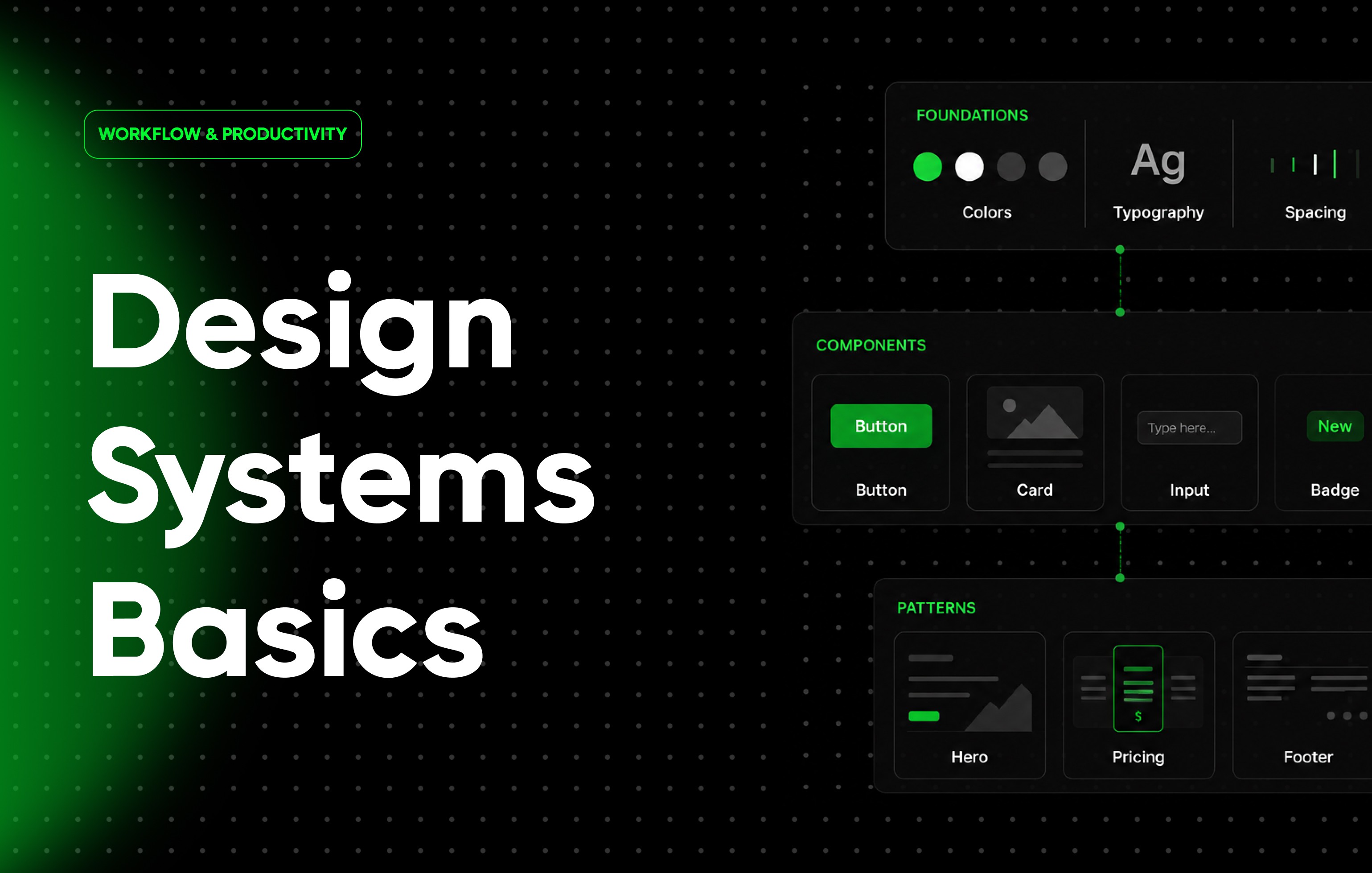
As websites grow, maintaining consistency becomes increasingly difficult. Colors start to vary, buttons become inconsistent, typography changes between pages, and updates take longer than they should.
A design system helps solve these problems by creating a shared set of standards for design and development. Instead of making design decisions repeatedly, you define them once and reuse them throughout your website.
Whether you’re building a small marketing site or a large CMS-driven platform, a design system can significantly improve workflow efficiency and design consistency.
This guide explains the fundamentals of design systems and how they can help you build better websites in Framer.
What Is a Design System?
A design system is a collection of reusable standards, components, styles, and guidelines used to build consistent digital products.
A typical design system includes:
Colors
Typography
Components
Spacing rules
Layout patterns
Icons
Interaction patterns
Together, these elements create a shared visual language across a website.
Why Design Systems Matter
Design systems help:
Maintain consistency
Speed up workflows
Reduce design decisions
Improve scalability
Simplify maintenance
Support collaboration
Without a design system, websites often become inconsistent as they grow.
Design Systems vs Style Guides
These terms are often confused.
A style guide typically focuses on visual standards such as:
Colors
Typography
Branding
A design system goes further by including:
Components
Interaction patterns
Reusable structures
Workflow standards
Think of a style guide as one part of a larger design system.
The Building Blocks of a Design System
Most design systems are built from a few core elements.
These foundations are used repeatedly throughout a project.
Colors
A color system defines how colors are used throughout the website.
Examples include:
Primary colors
Secondary colors
Accent colors
Background colors
Text colors
Consistent color usage improves branding and usability.
Typography
Typography standards help create visual hierarchy and consistency.
Common text styles include:
H1
H2
H3
Body Text
Captions
Labels
Typography systems ensure content looks consistent across every page.
Components
Components are reusable interface elements.
Examples include:
Buttons
Navigation bars
Cards
Forms
Testimonials
Footers
Components help eliminate repetitive design work.
Spacing
Spacing systems define consistent distances between elements.
Examples include:
Section padding
Card spacing
Grid gaps
Container widths
Consistent spacing creates cleaner layouts and improves usability.
Layout Patterns
Many websites reuse similar page structures.
Examples include:
Hero sections
Feature sections
Pricing layouts
Content grids
Standardizing these patterns speeds up design and development.
Building a Design System in Framer
Framer provides several tools that support design systems.
Examples include:
Components
Variants
Reusable styles
CMS templates
Shared design patterns
These tools help create scalable websites that remain consistent over time.
Start Small
A common mistake is trying to build a massive design system immediately.
Instead, start with:
Colors
Typography
Buttons
Basic spacing
Your system can evolve as your website grows.
Create Naming Conventions
Clear naming improves organization.
Good examples:
Primary Button
Secondary Button
H1 Heading
Accent Color
Poor examples:
Style 1
Button New
Color Copy
Naming standards become increasingly valuable as projects expand.
Use Components as Foundations
Components are often the core of a design system.
Benefits include:
Faster updates
Better consistency
Improved scalability
Many large websites rely heavily on reusable component libraries.
Maintain Consistency Across Pages
A design system should help every page feel connected.
Review:
Typography
Colors
Layouts
Buttons
Navigation
Consistency improves both user experience and brand perception.
Design Systems and Collaboration
Design systems are especially valuable for teams.
Benefits include:
Shared standards
Faster onboarding
Better communication
Reduced design inconsistencies
Teams can move faster when everyone works from the same system.
Design Systems and Scalability
As websites grow, maintaining consistency becomes more difficult.
A design system helps support:
More pages
More content
More contributors
More updates
Scalable systems reduce long-term maintenance challenges.
Common Design System Examples
Most websites benefit from systems for:
Typography
Headings
Body text
Labels
Components
Buttons
Forms
Cards
Colors
Brand colors
Status colors
Background colors
Layouts
Sections
Containers
Grid systems
Common Mistakes
Creating Too Many Variations
Too many styles and components can make systems difficult to maintain.
Keep things simple.
Ignoring Naming Standards
Poor naming often leads to confusion as projects grow.
Use descriptive labels consistently.
Not Using the System
A design system only works when it is used consistently.
Avoid creating exceptions without a clear reason.
Overcomplicating the Structure
Large systems are not always better.
Build only what your project actually needs.
Waiting Too Long
Many designers create a design system after a project becomes difficult to manage.
Creating one early often saves time later.
Best Practices
Start with colors and typography
Create reusable components
Establish naming conventions
Maintain consistent spacing
Build reusable layouts
Keep systems simple
Review standards regularly
Use components whenever possible
Support responsive design
Scale gradually as projects grow
Final Thoughts
A design system is one of the most valuable investments you can make in a website project. By creating reusable standards for colors, typography, components, and layouts, you can build faster, maintain consistency, and scale more effectively over time.
Whether you’re working alone or as part of a team, a well-structured design system helps transform individual pages into a cohesive and maintainable website.
Frequently Asked Questions
What is a design system?
A design system is a collection of reusable standards, components, and guidelines used to create consistent digital experiences.
Do small websites need a design system?
Yes. Even simple projects benefit from consistent typography, colors, and reusable components.
What should I include first?
Start with colors, typography, buttons, and basic spacing rules.
Are components part of a design system?
Yes. Components are often one of the most important parts of a design system.
How does a design system improve workflow?
It reduces repetitive work, improves consistency, and makes updates easier across an entire website.
Frequently Asked Questions
framerbaseio